
Application: NSE Qualico | Dataset: HBProto
TEST CASE STEPS:
- Navigate to Accounting > Accounts Payable > Payments
- Run the Print A/P Checks program
- Enter the Bank Code that corresponds to the A/P Category that was used in Test Cases 2, 3, or 4.
- Enter the Check Group
- For the purpose of testing, when prompted to print, select Microsoft Print to PDF.
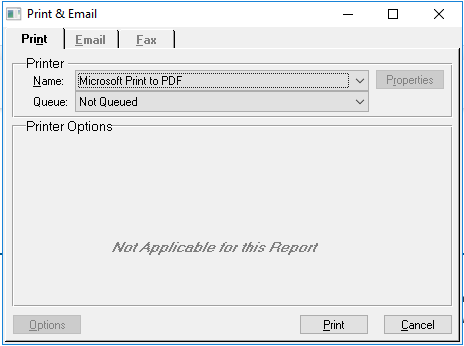
This will assign a Check Number to the Check Units without producing a physical print out of a cheque/check. - Navigate to Accounting > Accounts Payable > Payments
- Run the Check Group program
- Open the Check Group that you printed checks for
- Verify that Check Numbers have been assigned
- Update the Check Group
