
Application: Qualico Reporting Services (QRS)
TEST CASE STEPS:
- Go to https://qrs.qualico.com/reports/
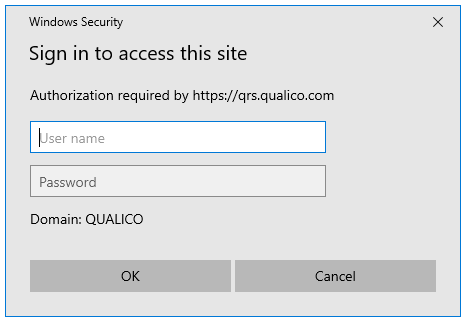
- In order to access the site, you will need to enter your Windows login credentials
- Depending on your access permissions, you could have access to multiple folders.
- Select a Folder
- Select a Report
- Depending on the report structure, you may need to input required parameters along the header and then click on View Report to generate results for the report.
LOOKUP > LOOKUP TOOL
The Lookup Tool was created to help with the transition from the Regional NEWSTAR Enterprise to the Centralized NEWSTAR Enterprise. It outlines the mapping of various codes from old to new.
